
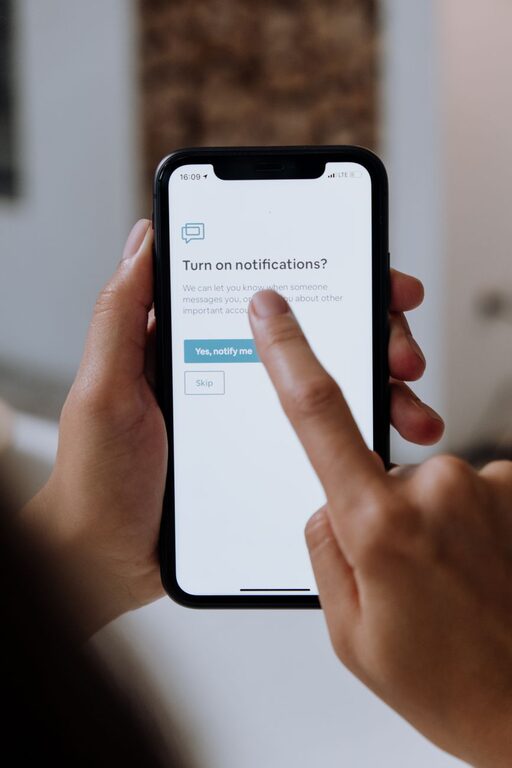
In today’s digitally connected world, notifications constantly vie for our attention. From social media pings to work emails, these alerts can interrupt our flow and make it hard to concentrate. Setting boundaries with notifications is essential if you want to boost productivity, reduce stress, and create a better balance between your online and offline life.
This post explores practical tips to help you take control of your notifications and make technology work for you, not against you.
—
Why Setting Boundaries with Notifications Matters
When notifications are unmanaged, they can:
– Interrupt important tasks and reduce productivity
– Increase stress by causing constant interruptions
– Make it difficult to focus or enter a state of deep work
– Blur the line between work and personal life
By consciously setting boundaries, you can regain control over your attention, work more efficiently, and enjoy moments without distraction.
—
Assess Your Current Notification Settings
Start by understanding what types of notifications you receive and which ones are necessary.
– Review apps: Go through your phone, tablet, and computer to list all apps sending you notifications.
– Identify priorities: Decide which notifications are essential (e.g., work emails, family messages) and which are non-urgent (e.g., social media, games).
– Track distraction: Notice how often you are interrupted by notifications and whether they add value or cause frustration.
Knowing your starting point helps you make intentional choices rather than reacting to each alert.
—
Tips for Managing Notifications Effectively
1. Customize Notification Settings for Each App
Most devices allow you to tailor notification preferences.
– Turn off non-essential alerts: Disable notifications for apps you don’t need real-time updates from.
– Use “Do Not Disturb” modes: Schedule “Do Not Disturb” hours during focused work or relaxation time.
– Prioritize important contacts: Set VIP lists so only key people can break through the silence.
2. Batch Check Notifications
Instead of responding immediately, allocate specific times during the day to review notifications.
– Checking notifications in batches prevents constant interruptions.
– You might set 2-3 times daily when you allow yourself to catch up on messages and alerts.
– This helps maintain focus during work periods while still staying connected.
3. Use Notification Summaries and Filters
Some devices offer features like notification summaries or filters to group non-urgent alerts.
– This reduces the urge to check every single notification.
– You receive a digest at set times, making it easier to process messages efficiently.
4. Silence Notifications in Meetings and Important Activities
Avoid distractions by muting notifications when engaged in:
– Work meetings or calls
– Deep focus work sessions
– Family or social gatherings
Most devices have quick toggles or automation tools to help with this.
5. Remove or Limit Social Media Notifications
Social media platforms are often the biggest source of frequent, non-critical alerts.
– Consider disabling notifications entirely for some apps.
– Alternatively, limit to direct messages or important updates only.
6. Communicate Your Boundaries
If you work with a team or share devices with family, let people know about your notification boundaries.
– Inform colleagues of “quiet hours” when you won’t be immediately responsive.
– Set expectations about response times to reduce pressure.
—
Tools to Help Manage Notifications
Several apps and built-in device features can support notification management:
– Focus Mode (Android) / Screen Time (iOS): Limits interruptions by pausing distracting apps.
– Notification Summary (iOS): Groups less important notifications into scheduled summaries.
– Third-party apps: Tools like Forest or Freedom help block distractions and track focus.
– Smartwatch settings: Control whether notifications appear on wearable devices.
Experiment with these tools to find what best suits your workflow and lifestyle.
—
Benefits of Healthy Notification Boundaries
By setting clear limits, you can expect:
– Better concentration and higher quality work output
– Reduced anxiety and digital overwhelm
– More meaningful offline interactions
– Clearer separation between work and personal time
– Increased sense of control over technology use
—
Final Thoughts
Notifications are a useful tool but can become a source of distraction without clear boundaries. By assessing your needs, customizing settings, batching check times, and communicating limits, you can create a balanced digital environment that supports your focus and wellbeing.
Start small—adjust one or two notification settings today—and notice the difference it makes to your attention and peace of mind.
Remember, managing notifications is about creating a healthier relationship with technology, allowing you to be present and productive in the moments that matter.